Skip to content

Instructional videos

Replace stencil

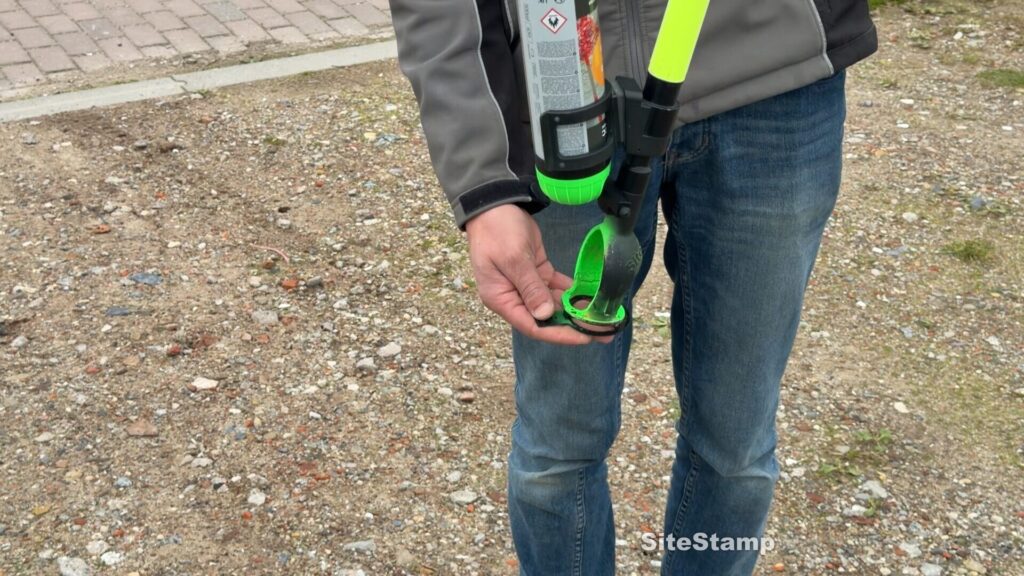
You can switch stencils quickly and easily with your foot, there’s a handy tab on each stencil.

You can simply click the stencil into place at the bottom of the SiteStamp.
If you want to replace it, there’s a handy tab on the stencil. Step on this tab with your foot, pull the SiteStamp upwards, and the stencil will click loose by itself. No more paint on your hands.

You can order the templates separately, in packs of 20.
Step by step

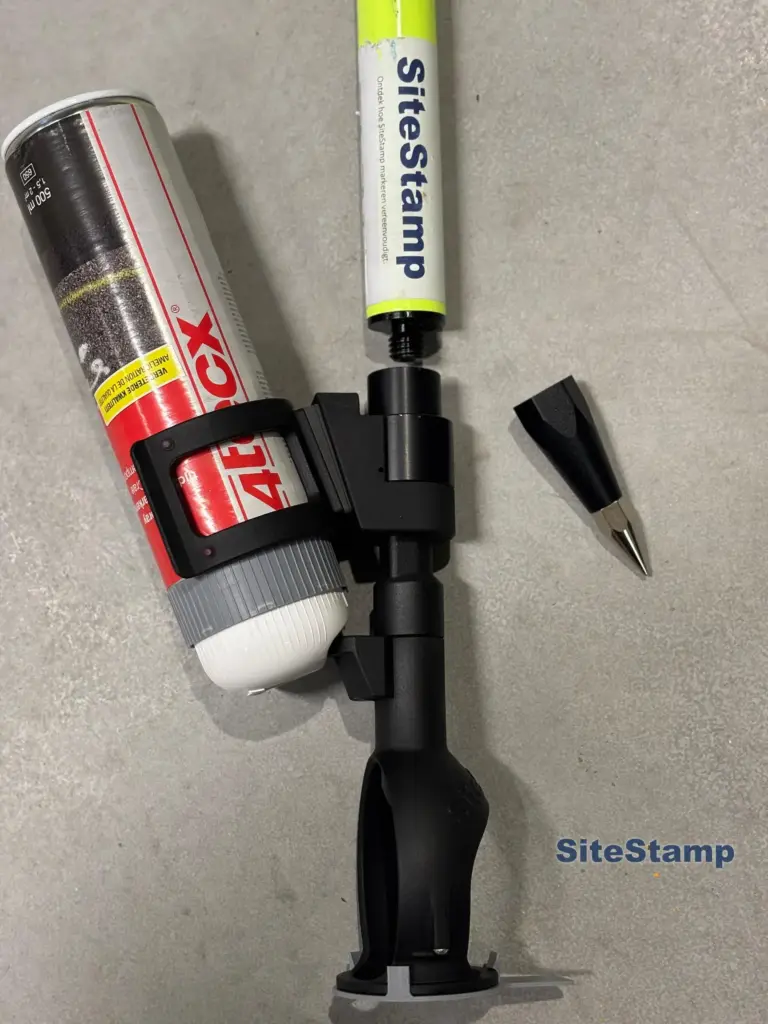
  1. If you want to replace the stencil, there’s a handy tab on the stencil. Step on this tab with your foot, pull the SiteStamp upwards, and the stencil will click loose by itself.

  2. Click the new stencil into place at the bottom of the SiteStamp.